JFEye3.1.5
Publisher Description
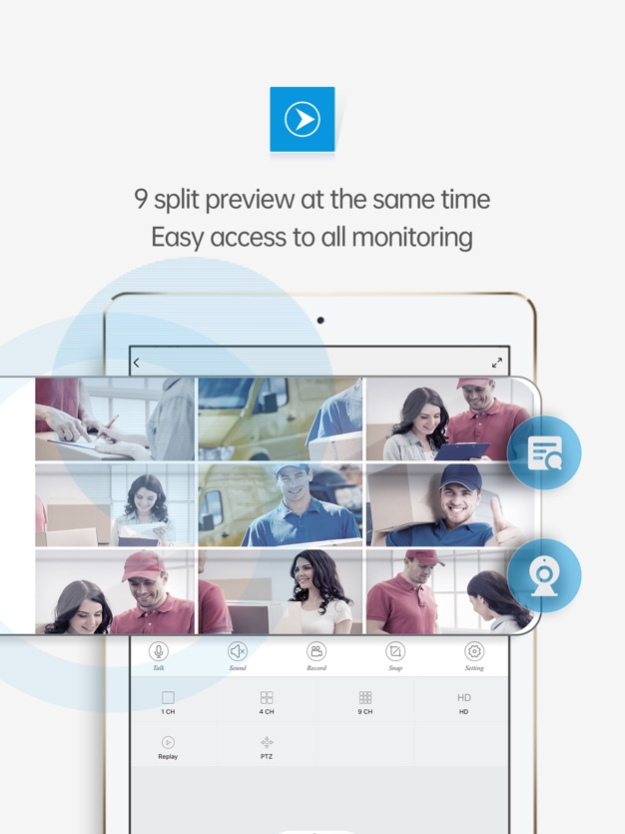
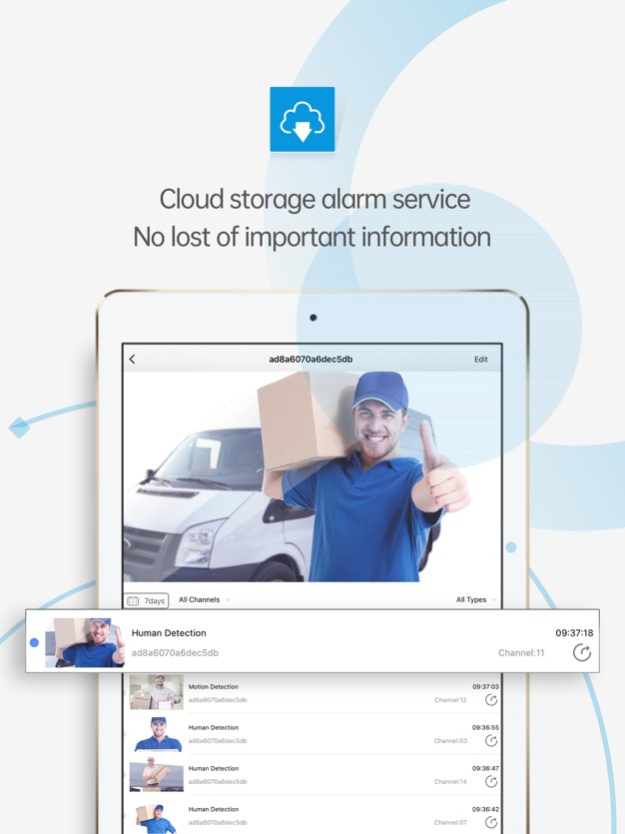
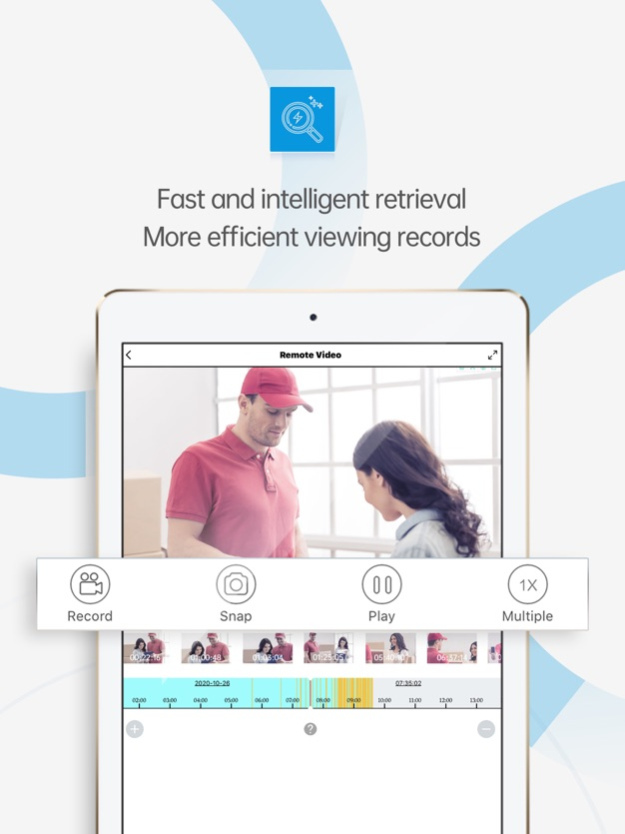
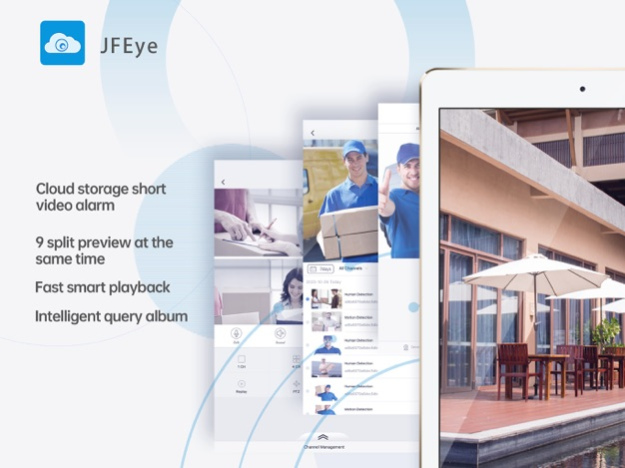
JFeye is a video surveillance software for IPC and DVR. Using cloud technology, you can easily log in through the device serial number, display the real-time surveillance video to the mobile phone and perform corresponding operations.
•Support cloud technology login
• Support WeChat login
• Support real-time real-time viewing
• Support remote playback
• Local recording and playback
• Support snapshot and picture search
• Support two-way conversation
• Support PTZ control
•Support QR code scanning serial number
•Support cloud user registration and modification
• Support remote device add, edit and delete
• Support for adding, editing and deleting local devices
• Support adding devices by address
Oct 8, 2022
Version 3.1.5
Adapt iOS16.
About JFEye
The company that develops JFEye is HANGZHOU JFTECH CO., LTD.. The latest version released by its developer is 3.1.5. This app was rated by 2 users of our site and has an average rating of 4.5.
To install JFEye on your iOS device, just click the green Continue To App button above to start the installation process. The app is listed on our website since 2022-10-08 and was downloaded 1,246 times. We have already checked if the download link is safe, however for your own protection we recommend that you scan the downloaded app with your antivirus. Your antivirus may detect the JFEye as malware if the download link is broken.
How to install JFEye on your iOS device:
- Click on the Continue To App button on our website. This will redirect you to the App Store.
- Once the JFEye is shown in the iTunes listing of your iOS device, you can start its download and installation. Tap on the GET button to the right of the app to start downloading it.
- If you are not logged-in the iOS appstore app, you'll be prompted for your your Apple ID and/or password.
- After JFEye is downloaded, you'll see an INSTALL button to the right. Tap on it to start the actual installation of the iOS app.
- Once installation is finished you can tap on the OPEN button to start it. Its icon will also be added to your device home screen.
Program Details
System requirements
Download information
Pricing
Version History
version 3.1.5
posted on 2022-10-08
Oct 8, 2022
Version 3.1.5
Adapt iOS16.
version 3.1.4
posted on 2021-12-30
Dec 30, 2021 Version 3.1.4
1. Support share the device by account
2. Support authority control of the shared deivce
3. Fixed some known issues
version 3.1.3
posted on 2021-11-25
Nov 25, 2021 Version 3.1.3
1.Optimize the APP experience
2.Optimized password security
3.Fixed some known issues
version 3.1.2
posted on 2021-09-14
Sep 14, 2021 Version 3.1.2
1. Optimized APP experience
2. Optimized APP security
3. Fixd some known issues
version 3.1.1
posted on 2021-07-28
Jul 28, 2021 Version 3.1.1
Fixed the known issues
version 3.1.0
posted on 2021-05-14
May 14, 2021 Version 3.1.0
1.支持WiFi套包产品
2.修复部分已知问题
1.Support WiFi package
2.Fix some known issues
version 3.0.9
posted on 2021-03-04
Mar 4, 2021 Version 3.0.9
1.支持配置NVR日夜模式功能
2.修复部分已知问题
1.Support configure NVR Day and night mode function
2.Fixed some known bugs
version 3.0.8
posted on 2020-11-19
Nov 19, 2020 Version 3.0.8
部分已知问题修改
Fixed some known issues
version 3.0.7
posted on 2020-10-09
Oct 9, 2020 Version 3.0.7
上线新UI界面
Update new UI
version 3.0.6
posted on 2020-03-25
25 Mar 2020 Version 3.0.6
已知问题修改
Fixed some known issues
